One product serves many tasks.
Order entry, search, payment, approval, customer accounts, printing, and service modes share one system.
 Parmis Meshgi
Work 04 · Core platform
I built responsive rules for the screens that move a restaurant from login to payment.
Read the case study ↓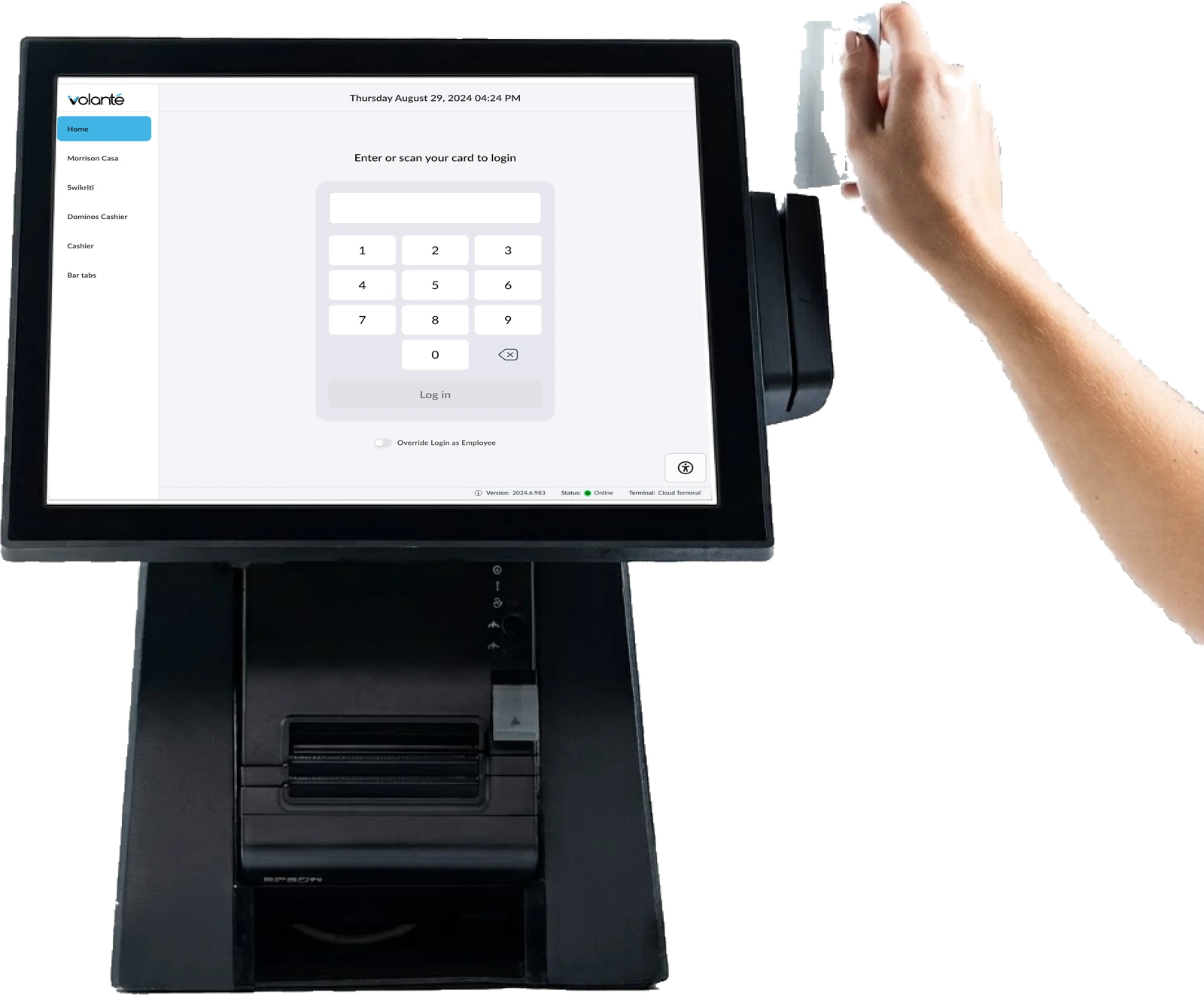
Responsive rules, workflows, handoff, and release review
Restaurant order entry and service
Work with design, product, engineering, and quality assurance
Plus 84 active Cloud POS devices on September 14, 2026
Product at scale
Volanté Product Specialist data from January 1 to September 14, 2026. The active footprint covers 422 live locations.
Project value
Scale type, spacing, popups, and controls across three terminal sizes.
Use one keyboard and keypad across login, search, payment, and approval.
Organize each workflow around its ticket, states, behavior, and prototype.
Order entry, search, payment, approval, customer accounts, printing, and service modes share one system.
Different layouts and input behavior slow staff during busy service and create more training work.
Responsive guidance and shared components reduce repeated decisions across product and engineering.
Design decisions
The 26-page responsive file covers 1366 by 768, 1366 by 1024, and 1024 by 768 terminals.
Each layout decision has a clear reference size and manual device check.
A 142-participant placement study guided search position, button behavior, and suggestions.
Staff find search where they expect it and understand how results will respond.
The Bar Tabs keyboard became the shared POS input for search, cash payment, manager override, and login in GA13.
Staff reuse the same input pattern across devices and tasks.
Touch, keyboards, scanners, cards, drawers, printers, scales, and payment devices all need clear ownership and recovery.
Disconnected, delayed, duplicate, and retry states become part of the workflow.
Product proof
The 26-page guidelines cover sizes, gutters, popups, keyboards, keypads, and shared behavior.
The 36-page Quick Menu file holds ticket-based work across orders, customers, transactions, discounts, gift cards, and printing.
The Bar Tabs redesign became the POS login and home across service modes in February 2026.
Result
One responsive keyboard replaced the legacy pattern across major POS input tasks.
The released guidance covers 1366 by 768, 1366 by 1024, and 1024 by 768 terminals.
The placement study guided search position, button behavior, and suggestions.